May 25, 2025
How to Set Up Custom Workflows in TaskNova
Understand Your Workflow Needs
Before diving into TaskNova, take time to map out your team’s or personal workflow requirements. Identify the key steps involved in your tasks, decision points, and potential bottlenecks. Having a clear understanding of your processes ensures that the custom workflow you build will fit your needs perfectly.
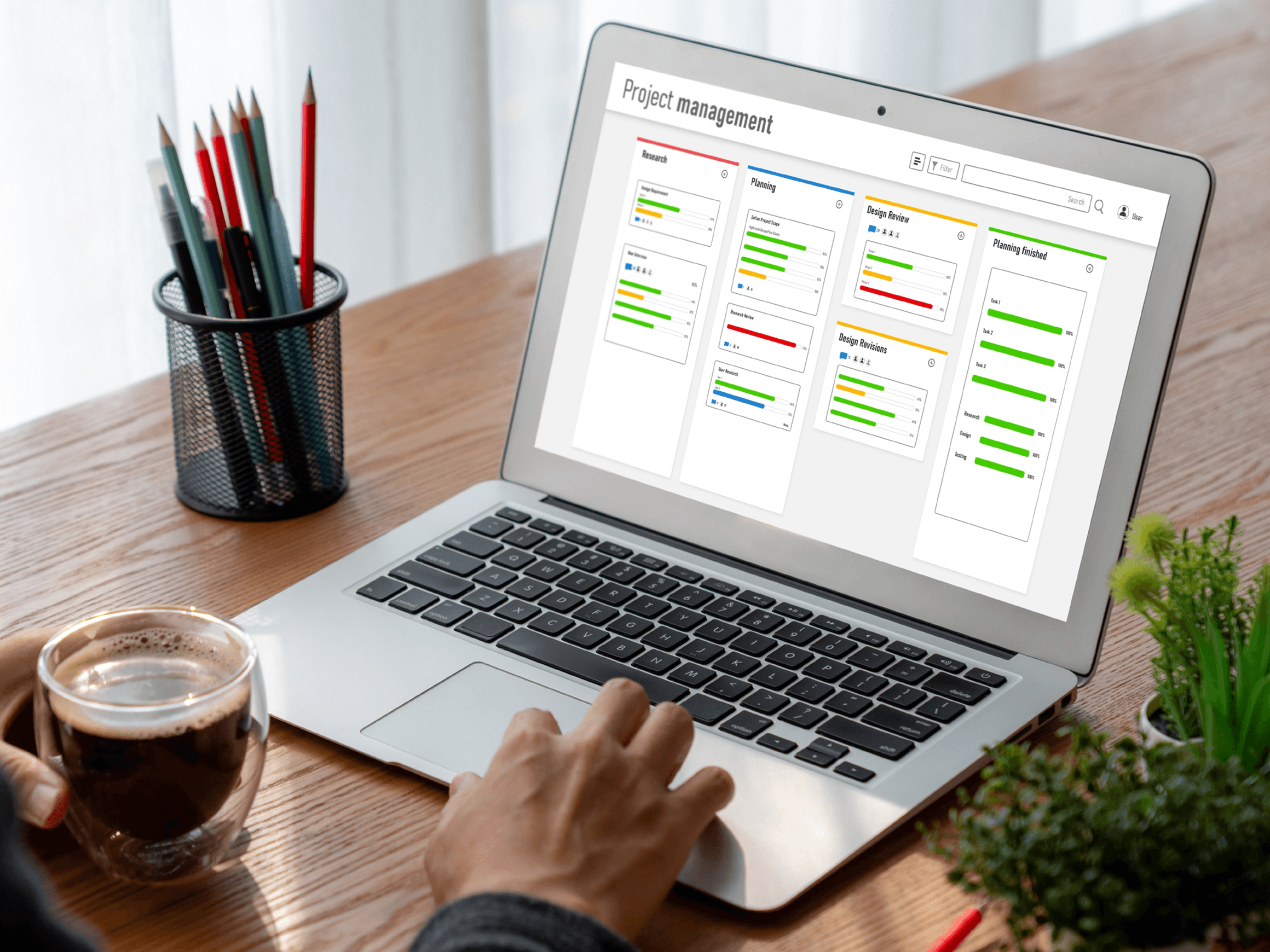
Access the Workflow Builder
Log in to TaskNova and navigate to the Workflow Builder section. This intuitive interface is designed to help users create, modify, and manage workflows with ease. Familiarize yourself with the layout, including the drag-and-drop features, available task templates, and automation options.
Define Your Workflow Stages
Break down your workflow into distinct stages that represent the progress of tasks from start to finish. For example, you might use stages like “To Do,” “In Progress,” “Review,” and “Completed.” Setting up clear stages helps visualize the task pipeline and makes tracking easier.
Customize Task Types and Fields
TaskNova allows you to customize the types of tasks within your workflow and add specific fields that capture relevant information. Tailor these task types to suit your project needs, whether it’s setting priority levels, deadlines, or assigning team members. This customization ensures tasks carry all necessary details.


Set Automation Rules
One of TaskNova’s strengths is its automation capabilities. Set up rules that trigger automatic actions based on task progress or specific conditions. For example, you can automate notifications when a task moves to the “Review” stage or automatically assign tasks to certain team members when created. Automation saves time and reduces manual errors.
Tailor your workflow, streamline your process, and get things done your way.
— Barack Obama
Integrate with Other Tools
TaskNova supports integration with various third-party apps such as calendars, communication tools, and file storage services. Connect these integrations to streamline your workflow further, enabling seamless data transfer and collaboration across platforms.
Test Your Workflow
Before fully implementing your custom workflow, run a few test tasks through the process. This helps identify any missing steps, errors in automation, or fields that need adjustment. Testing ensures the workflow functions smoothly and meets your operational needs.

Train Your Team
Once your workflow is set up and tested, provide training for your team members. Offer walkthroughs, documentation, or video tutorials to help everyone understand how to use the new system effectively. Well-trained users contribute to better adoption and productivity.
Monitor and Optimize
After implementation, continuously monitor your workflow’s performance. Use TaskNova’s reporting features to track task completion times, bottlenecks, and user activity. Based on insights, tweak the workflow stages, automation, or task types to improve efficiency.
Keep It Flexible
Business needs evolve, so keep your workflows flexible. Periodically review and update your custom workflows in TaskNova to accommodate new processes, tools, or team structures. Flexibility ensures your task management remains effective as your organization grows.
Utilize Templates
TaskNova offers workflow templates that can be customized to your specific needs. Using these templates can save time and provide inspiration for designing your own workflows. Modify templates to align with your unique project requirements.
Share Insight: